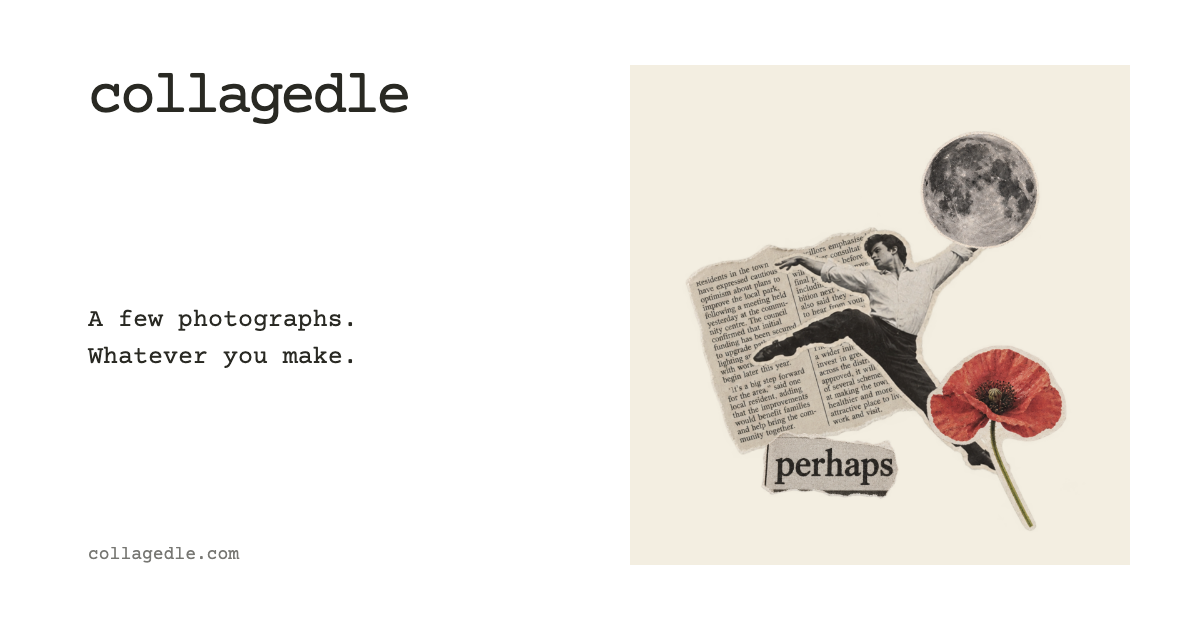
A daily collage game
Collage prompt generator
Start with a creative constraint. Pick another idea, or take this one to the cutting table.
Today’s kit
Make an ordinary scene feel unfamiliar.
From a past kit. Open its original materials with archive access, or use today’s free materials beside it.
Made with Collagedle
How it works
-
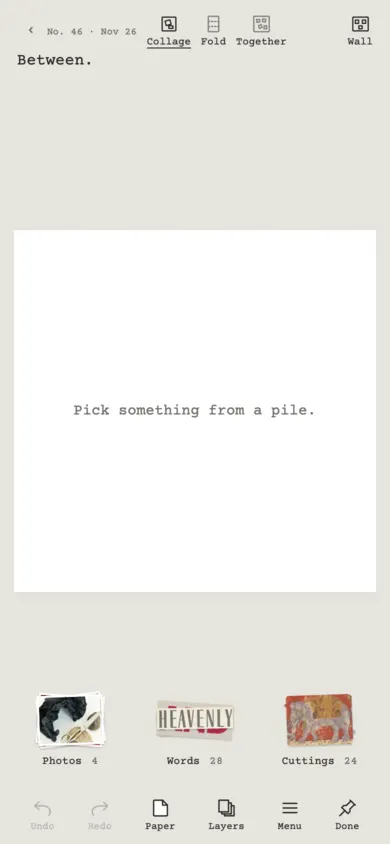
1 Open the day’s kit
Everyone gets the same prompt, four photographs, a pile of word scraps and a pile of cuttings.
-
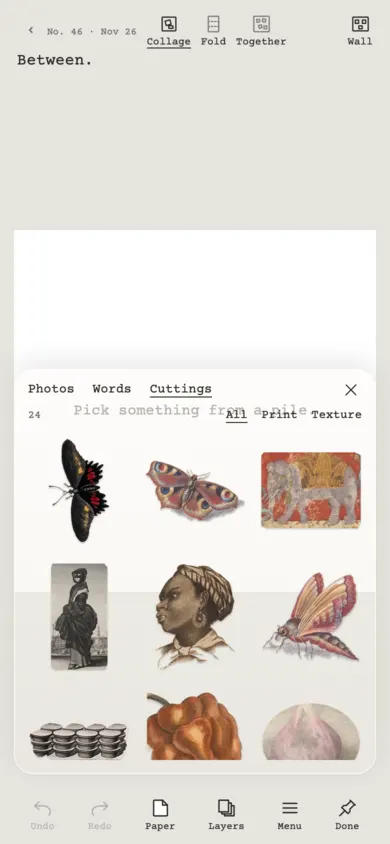
2 Pick and cut
Tap a pile to spread it out. Cut shapes from a photograph with Trace, Smart, Straight, Box or Oval.
-
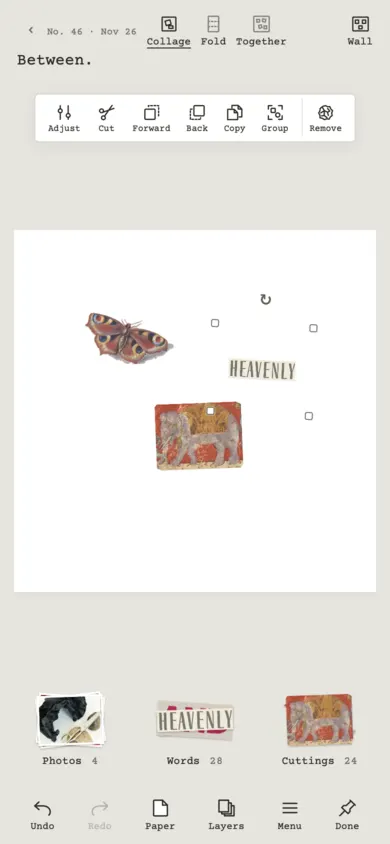
3 Arrange and pin it
Move, turn, layer and split pieces on one square page. Press Done, then pin it to share it on the day’s wall.
Open today’s kit
Making the most of a prompt
- Read it literally first. Prompts are short on purpose. Find the one picture in the kit that answers it, and build round that.
- Cut less than you think. Smart picks the whole thing under your tap out to its edges, so one tap can lift a subject clean off its photograph.
- Use the edge. Clean, Border or Torn changes how a cut sits on the page. A torn edge makes a photograph look pulled from a magazine.
- Let a word do the work. One word scrap beside an unexpected picture often answers a prompt better than a sentence.
- Change the paper. Paper has twenty-one colours, or a photograph from the kit can become the page itself.
Try it on today’s prompt
Questions
Where do these prompts come from?
Each is the prompt from a real Collagedle kit. The first is today’s; Shuffle brings up earlier days’ prompts.
Can I use a past prompt with today’s pictures?
Yes. Make this collage opens today’s free kit with the prompt you picked. A past day’s own materials open with archive access.
Is Collagedle free?
Yes. It’s a free daily collage game in the browser, with nothing to install.
Does it work on a phone?
Yes. The page is the same square on a phone and a computer, so a collage looks the same on both.
Play today’s Collagedle